Chat-Based Financial Analysis of P&L and Balance Sheets with GPT-4 & PostgreSQL

Last edited 206 days ago
🧾 Who’s it for
This workflow is designed for finance teams, accountants, and data analysts 📊 who want to interact with financial data from two PostgreSQL databases — one containing Profit & Loss data and another containing Balance Sheet data — using natural language chat.
It’s perfect for those who need quick, AI-powered insights with the correct database automatically selected based on the question.
⚙️ How it works / What it does
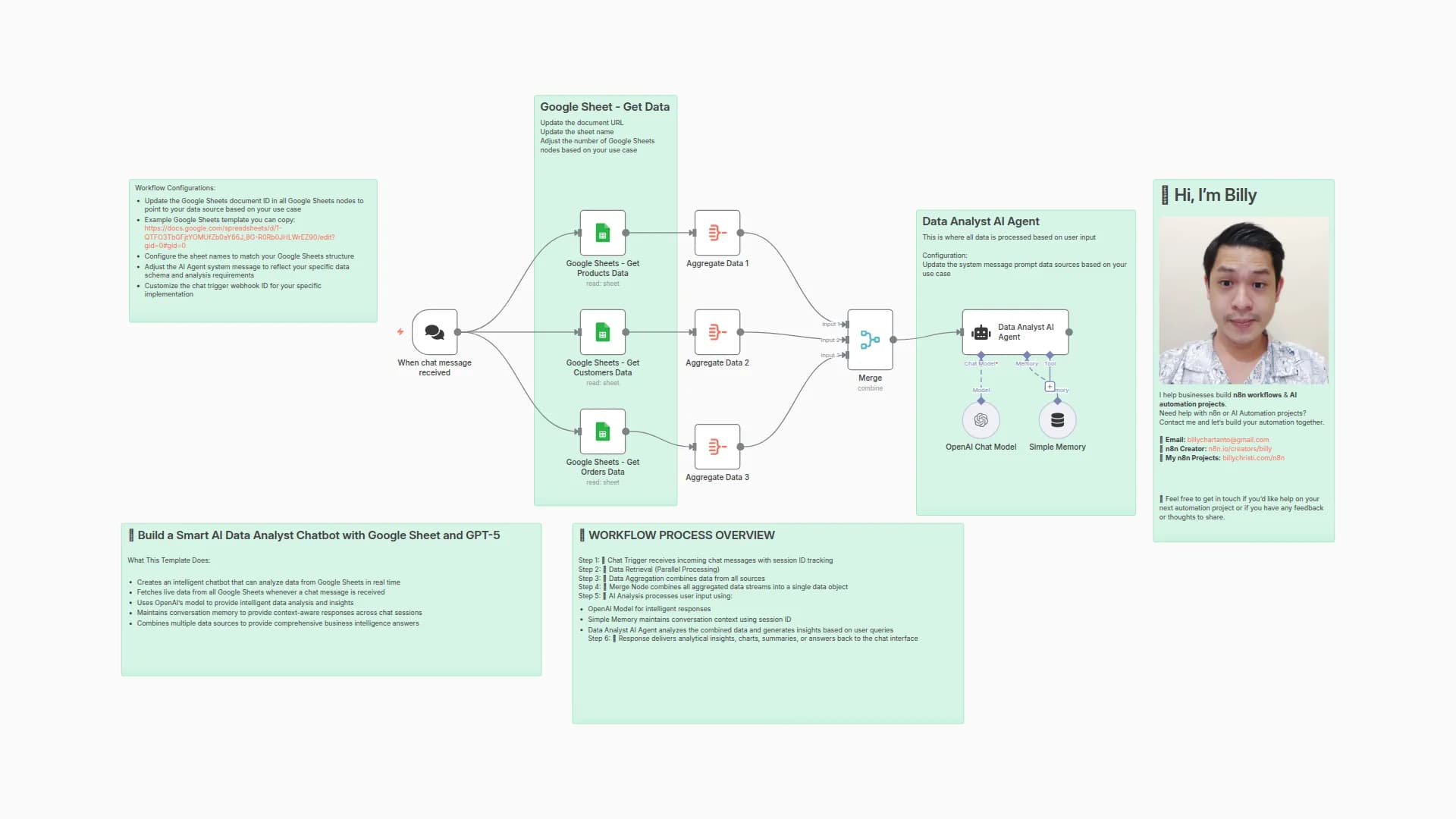
- Chat Trigger 💬 – Starts the workflow when a chat message is received.
- AI Agent 🤖 – Processes the user’s question and decides:
- Profit & Loss DB → If the question is about revenue, costs, expenses, or profit.
- Balance Sheet DB → If the question is about assets, liabilities, or equity.
- PostgreSQL Query Nodes 🗄️ –
- P_L_Reports queries the
financial_agent_pl_reportstable. - Balance_Sheets queries the
financial_agent_balancesheetstable.
- P_L_Reports queries the
- AI Model (OpenAI) 🧠 – Uses
gpt-4.1-nanoto interpret results and provide an easy-to-read answer. - Memory Buffer 📝 – Keeps recent conversation context for a smoother chat experience.
- Table Output 📋 – Always formats the results as a clean, readable table with two decimal precision.
🛠️ How to set up
-
Prepare Your Databases
- Feed your Profit & Loss and Balance Sheet data into PostgreSQL.
- Ensure the correct table structures are used:
- financial_agent_pl_reports → P&L data.
- financial_agent_balancesheets → Balance Sheet data.
-
Configure the PostgreSQL Nodes
- Add connection credentials for both databases.
- Link P_L_Reports and Balance_Sheets nodes to the correct tables.
-
Set Up the AI Agent
- Paste the provided system message into the AI Agent node (already configured in your workflow).
-
Connect the Nodes
- Ensure Chat Trigger → AI Agent → DB Nodes → AI Model connections match your workflow.
-
Deploy
- Save and activate the workflow.
- Start sending finance-related queries to test.
📋 Requirements
- n8n (latest version recommended)
- PostgreSQL databases with:
financial_agent_pl_reportstable (P&L data).financial_agent_balancesheetstable (Balance Sheet data).
- OpenAI API credentials with access to
gpt-4.1-nano. - Active Webhook/Chat Trigger for receiving queries.
🎨 How to customize
- Expand AI Instructions 🗒️ – Add more rules in the system message for different data sources or formatting styles.
- Change AI Model 🧠 – Switch to a different OpenAI model for faster or more accurate results.
- Add More Databases 🗄️ – Connect extra financial datasets, e.g., cash flow, sales analytics.
- Enhance Table Styling 📊 – Use Markdown or HTML formatting for richer outputs.
- Refine Query Logic 🔍 – Modify filtering logic to better match your reporting needs.
You may also like

New to n8n?
Need help building new n8n workflows? Process automation for you or your company will save you time and money, and it's completely free!


