Conversational WhatsApp Assistant with Gemini AI and Pinecone Memory


Last edited 206 days ago
📋 Description
This template creates an intelligent AI assistant for WhatsApp that can:
- Respond naturally to messages using Google Gemini AI
- Remember previous conversations for each user
- Access a knowledge base for answering frequently asked questions
- Automatically save all conversations for long-term memory
🛠️ Requirements
1. WAMM.pro Account (FREE tier available)
- What is WAMM.pro? - A platform that enables WhatsApp automation using proprietary API technology
- Free tier: 50 messages/month
- PRO tier: Unlimited messages + advanced features
- Link: wamm.pro
2. Pinecone Account (for AI memory)
- For storing conversations and knowledge base
- Free tier available
3. Google AI Account (for Gemini)
- For the conversational AI model
4. OpenAI Account (for embeddings)
- For generating memory vectors
🚀 Step-by-step Setup
Step 1: WAMM.pro Configuration
- Create account at wamm.pro
- Account Manager → Add WhatsApp profile
- Scan QR code with your WhatsApp
- Note down:
Instance IDandAccess Token
Step 2: Webhook Configuration
- In WAMM.pro: Integrations → Webhooks → Messages Webhooks
- Add Webhook with the n8n URL
- Required configuration:
- From others: ✅ Relevant + ✅ Without media + ✅ Exclude no text
- To others: ✅ Relevant + ✅ Without media + ✅ Exclude no text
- To myself: ✅ None (to avoid responding to own messages)
Step 3: Pinecone Configuration
- Create 2 indexes:
historywa- for conversation memoryknowledge- for knowledge base
- Index settings:
- Dimensions: 3072
- Metric: cosine
- Embedding model: text-embedding-3-large
Step 4: n8n Configuration
- Configure credentials:
- WAMM: Instance ID + Access Token
- Pinecone: API Key
- Google Gemini: API Key
- OpenAI: API Key for embeddings
🔧 How it Works
Workflow Flow:
📱 WhatsApp Message
    ↓ (webhook)
🎯 AI Agent (Gemini)
    ↓ (uses tools)
📚 Memory Tool + Knowledge Tool
    ↓ (response generated)
📤 WAMM Send Message
    ↓ (saves)
💾 Pinecone Memory Storage
Available AI Tools:
- Memory Tool - Searches previous conversations with the user
- Knowledge Tool - Searches the general knowledge base
Special Features:
- Natural conversations - AI doesn't mention "searching history"
- Persistent context - Remembers names, preferences, previous conversations
- User language detection - Automatically responds in user's language
- Organized memory - Each user has their own memory space
📊 Benefits
✅ Zero maintenance - Runs automatically
✅ Scalable - Supports multiple users simultaneously
✅ Intelligent memory - Uses similarity search for relevant context
✅ Extensible - Easy to add new features
✅ Cost-effective - Free tiers available for all services
🎯 Use Cases
- Automated customer support with memory
- Personal assistant for WhatsApp
- Business chatbot with specific knowledge
- Conversation automation with persistent context
🔒 Security
- Data stored in Pinecone as vector embeddings
- No plain text message storage
- Each user has separate memory space
- API keys secured in n8n credentials
📈 Possible Extensions
- CRM integrations
- Scheduling and reminders
- Advanced multi-language support
- Analytics and conversation reports
- Custom knowledge bases per user
💡 Tip: For optimal results, populate the knowledge base with frequently asked questions specific to your business!
You may also like
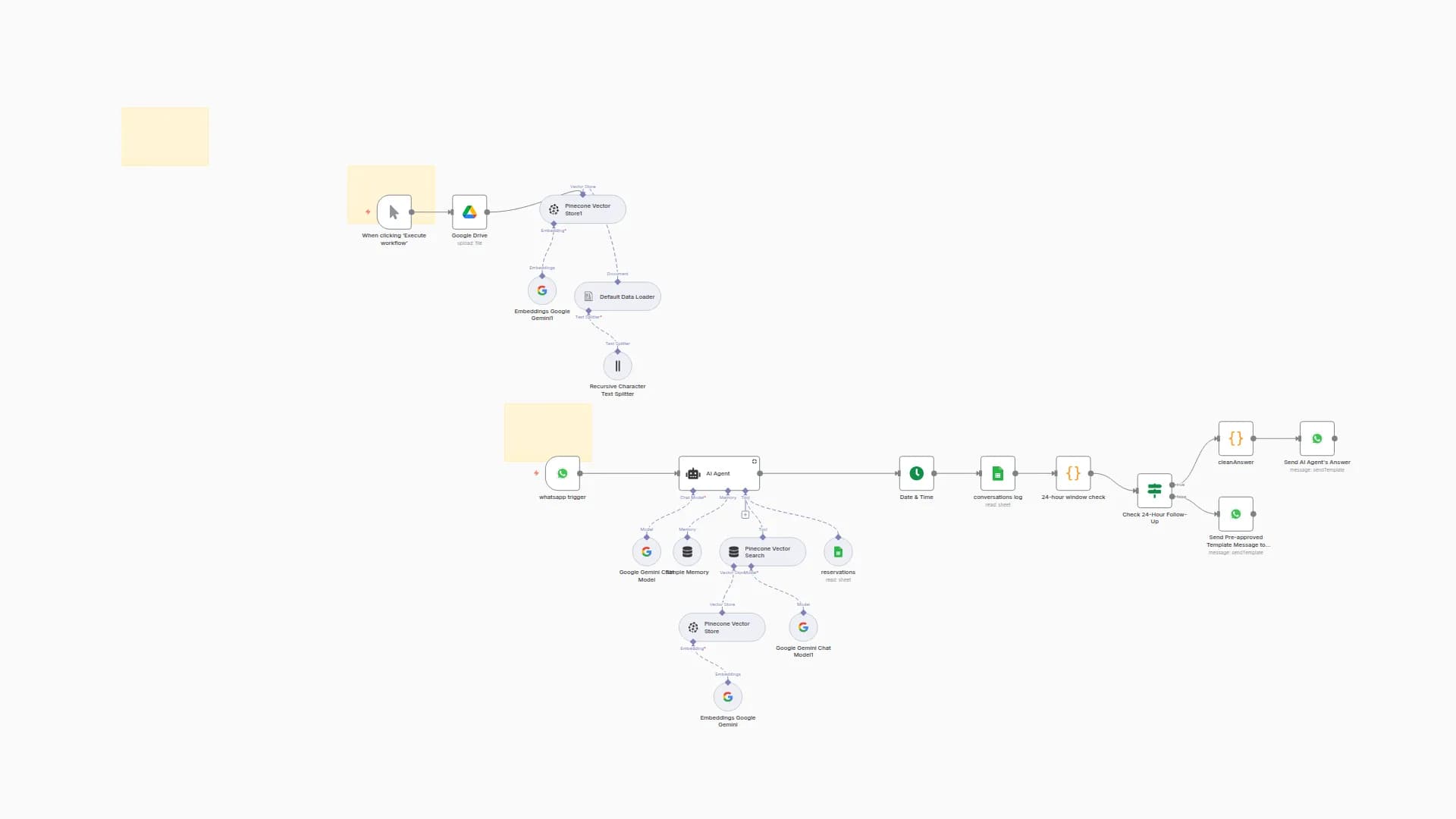
WhatsApp AI Assistant for Q&A & Bookings with Gemini, Pinecone & Google Sheets
ththarwatelsayed
2.2k
185
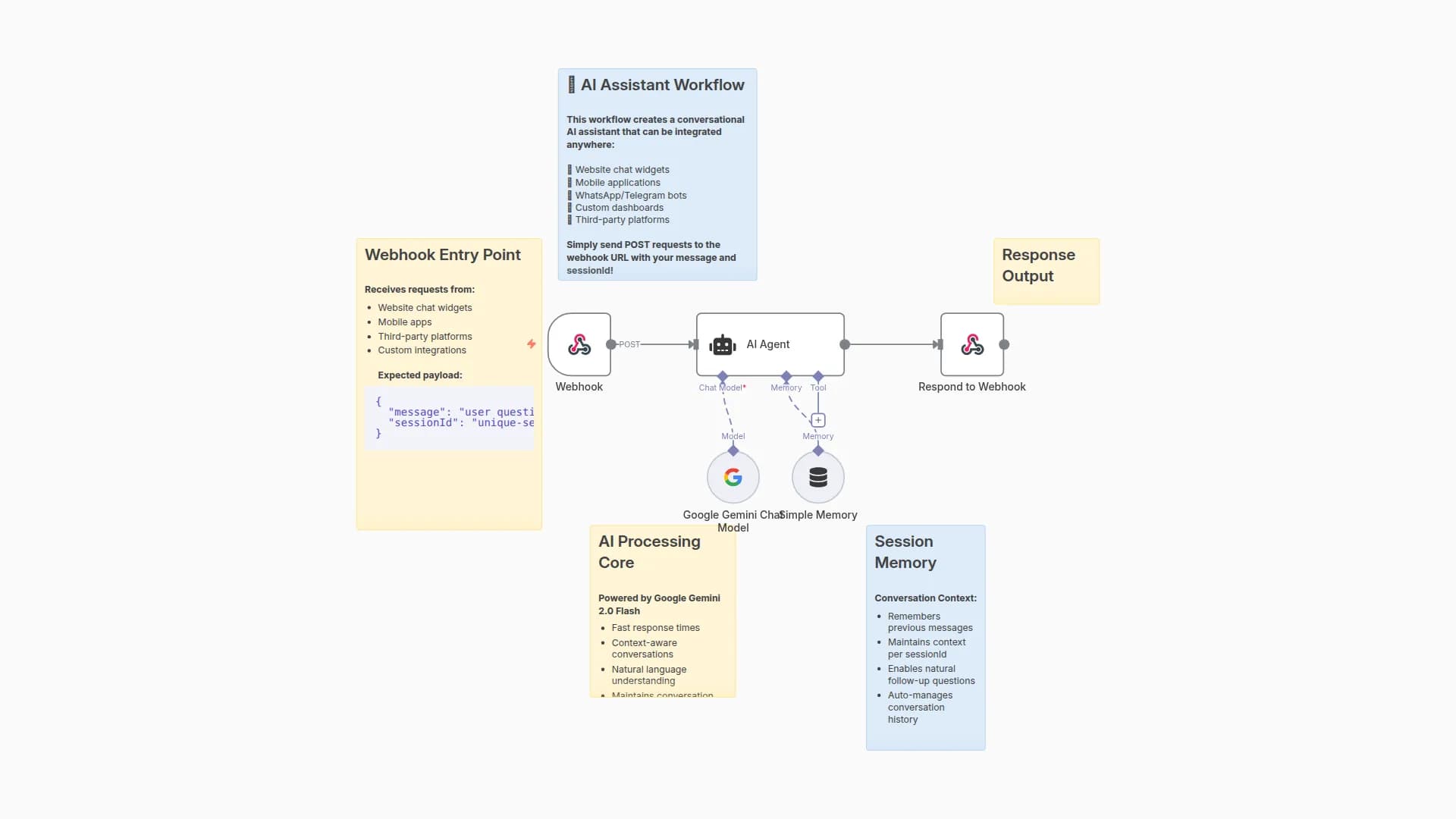
Create a Webhook-Ready Conversational Assistant with Google Gemini and Session Memory
dadae221
724
62
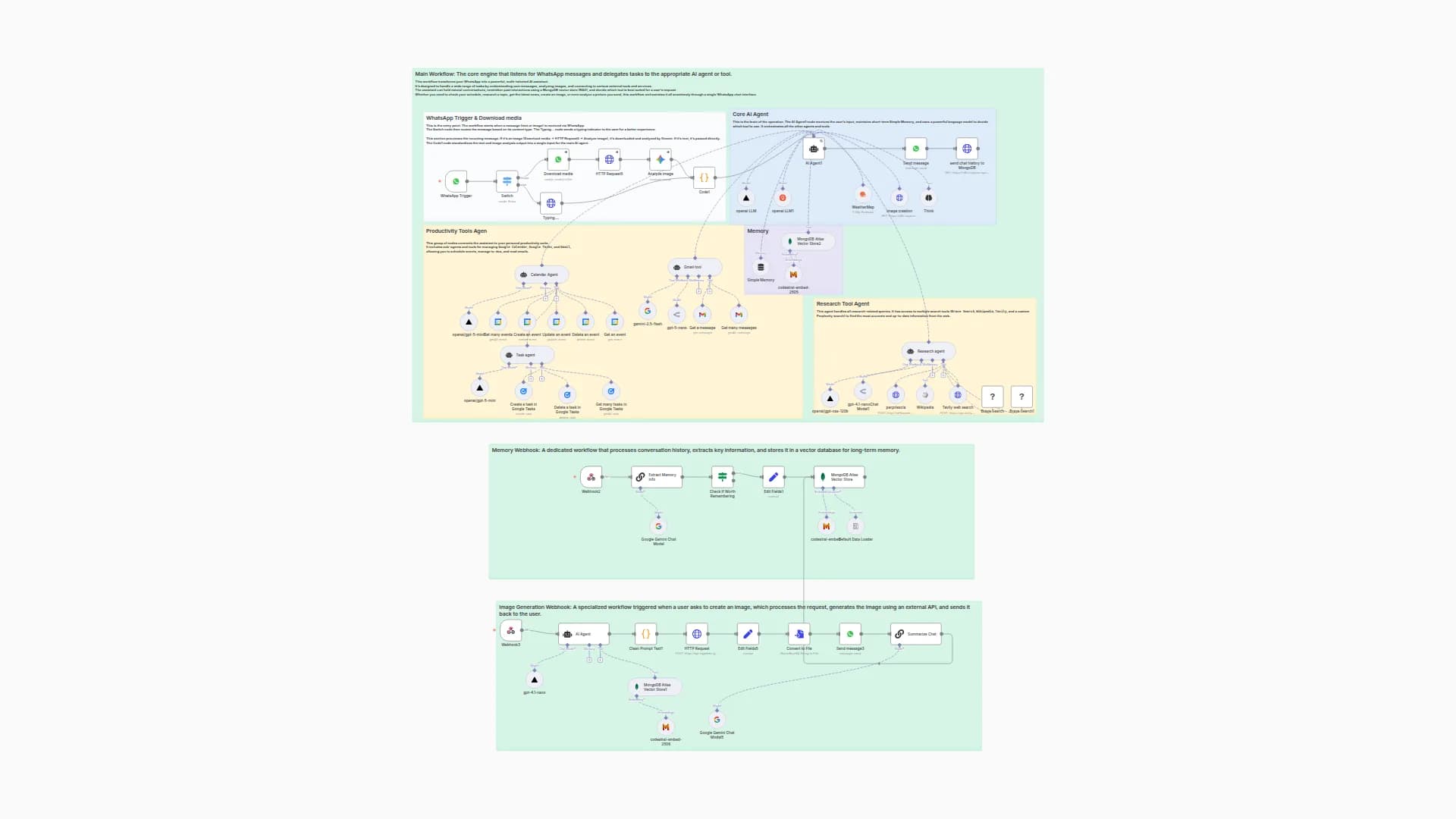
Build a WhatsApp Assistant with Memory, Google Suite & Multi-AI Research and Imaging
nenetwithjc
9.9k
575
New to n8n?
Need help building new n8n workflows? Process automation for you or your company will save you time and money, and it's completely free!


