Extract Gmail Metadata to Google Sheets


Last edited 206 days ago
Extract Gmail Metadata to Google Sheets
This n8n template shows how to fetch new emails from a Gmail account, extract key metadata (sender name, email, subject, and message body), and append each email as a new row in a Google Sheet for record-keeping or follow-up workflows.
Good to Know
Gmail API Quotas: Gmail’s API has usage limits—make sure your application stays under 2500 read requests per day or implement exponential backoff on rate limit errors.
OAuth Credentials: You’ll need to configure OAuth2 credentials in n8n to authenticate with Gmail.
Sheet Structure: Prepare your Google Sheet with columns: Timestamp, Sender Name, Sender Email, Subject, Message.
How It Works
Gmail Trigger: Watches for new emails matching your search criteria (e.g., is:unread).
Extract Metadata: A Function node reads the incoming payload and pulls:
Name and Email from headers or body text
Subject from common subject fields
Message from body, text, or snippet
Timestamp from current system time
Append to Sheet: The Google Sheets node appends each processed email as a row in your target spreadsheet.
How to Use
Import the Template: Click "Use Template" in your n8n instance.
Configure Credentials:
Gmail OAuth2: Set up your Gmail account credentials in n8n.
Google Sheets: Authorize with your Google account and select the spreadsheet.
Adjust Search Criteria: Modify the Gmail Trigger to filter specific labels or queries.
Activate and Test: Enable the workflow and send a test email.
Verify Sheet: Check your Google Sheet for new rows with the extracted email data.
Requirements
n8n@latest
Gmail OAuth2 Credentials
Google Sheets API enabled in your Google Cloud project
Customizing This Workflow
Additional Fields: Extend the Function node to capture attachments, threads, or labels.
Notification Flow: Add Slack or email nodes to notify your team of important messages.
Data Enrichment: Integrate with NLP or sentiment analysis APIs to annotate messages.
You may also like
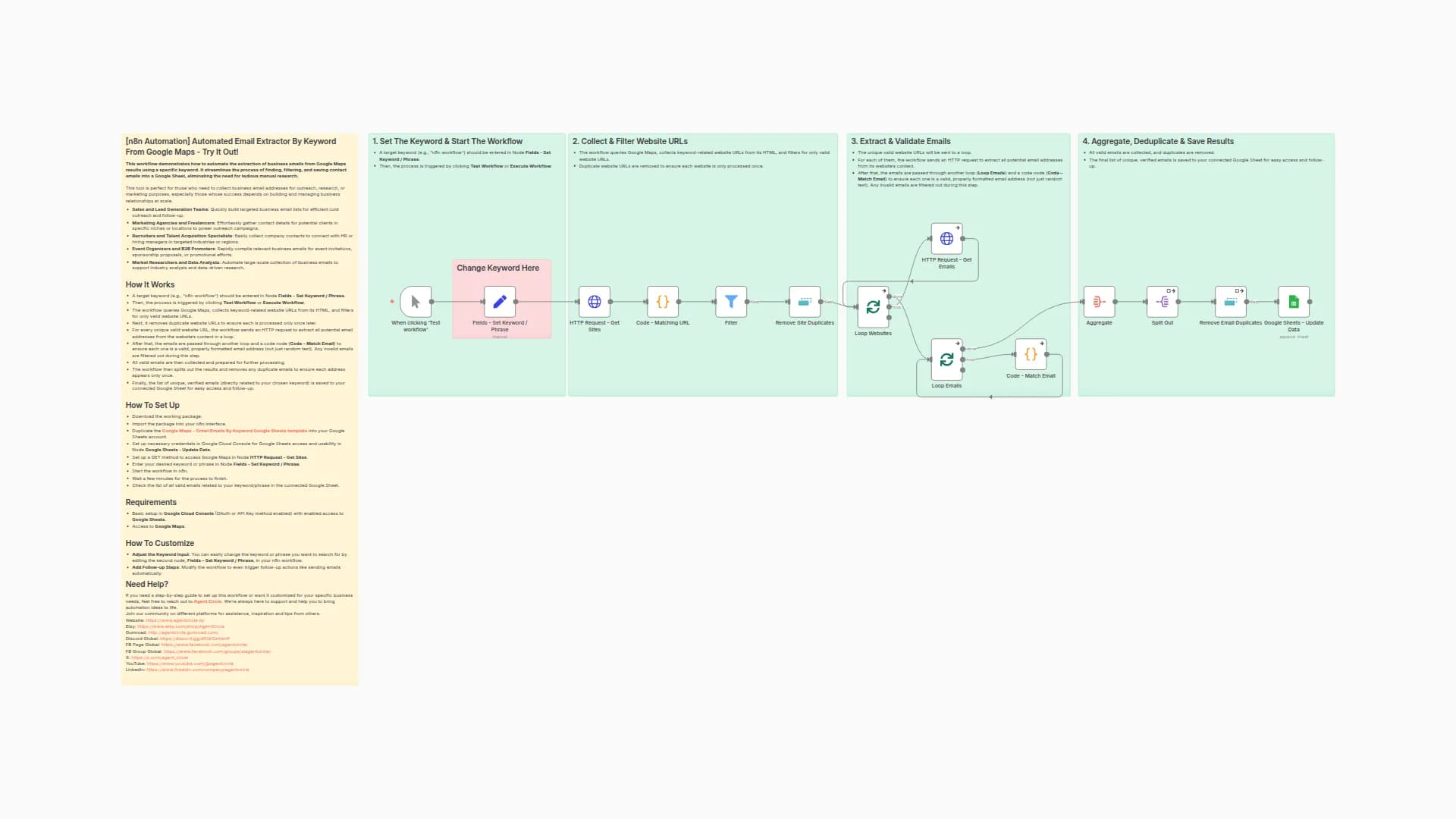
Extract Business Emails from Google Maps Search Results to Google Sheets
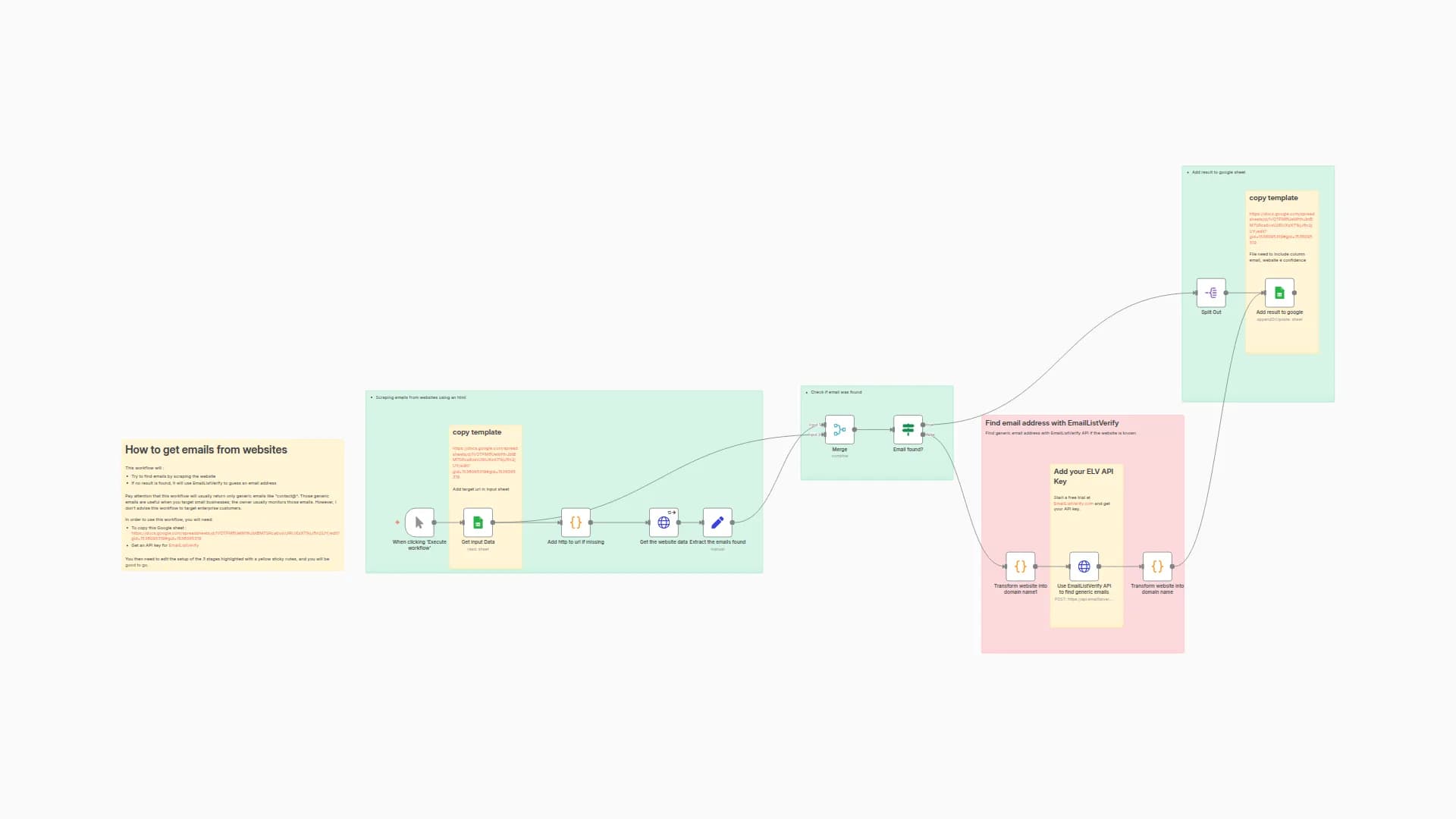
Extract Email Addresses from Websites with EmailListVerify API and Google Sheets
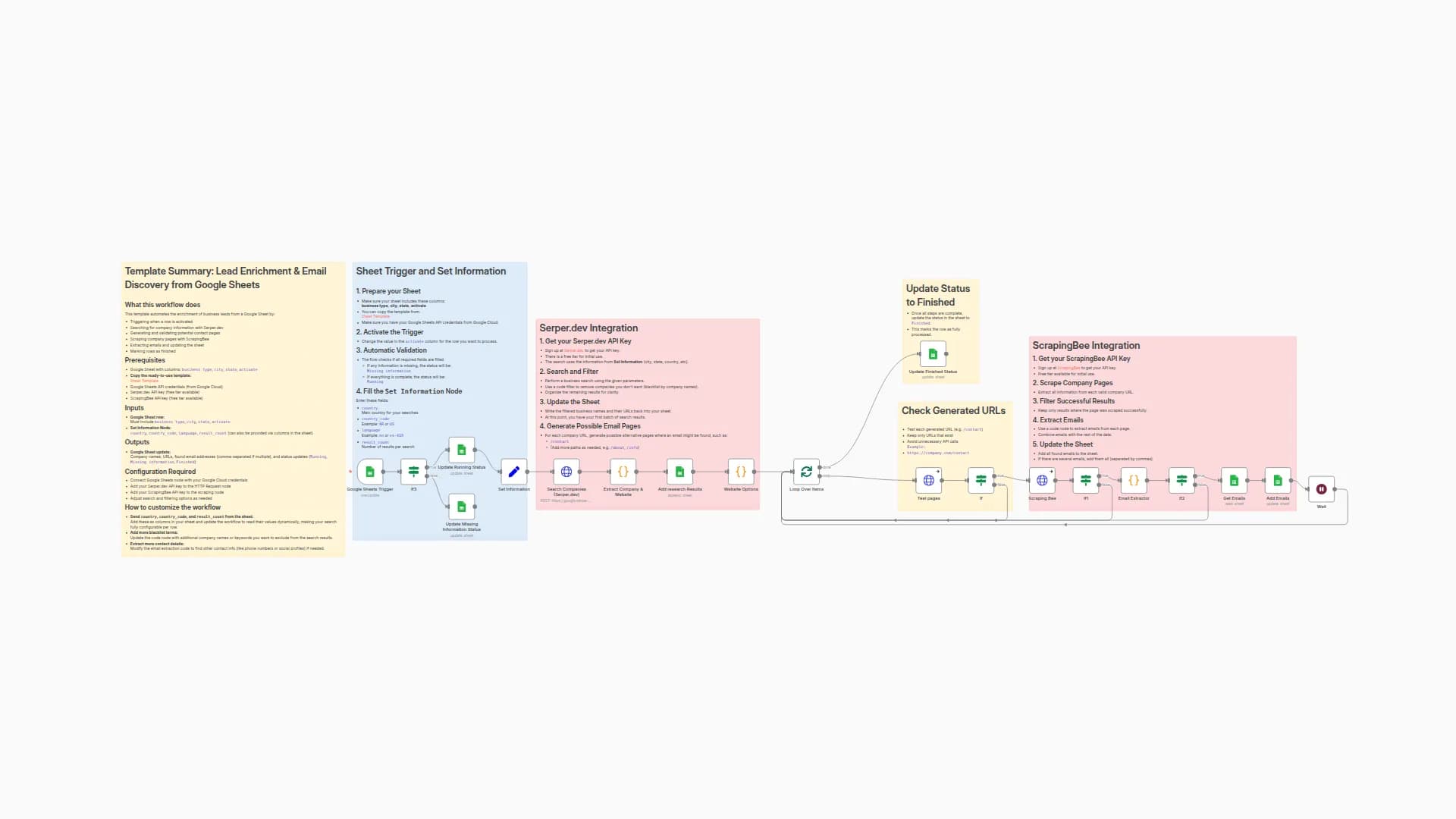
Extract Business Email Addresses Using Serper.dev and ScrapingBee from Google Sheets
New to n8n?
Need help building new n8n workflows? Process automation for you or your company will save you time and money, and it's completely free!


