Extract Transactions from Images using unli.dev Vision API & Telegram


Last edited 206 days ago
Image Analyzer turns images sent to your Telegram bot into clean, Markdown-formatted transaction text using unli.dev Vision API. Instead of typing numbers and dates manually, the workflow downloads the photo, converts it to base64, analyzes it via API, and replies in-chat with extracted details, saving time and reducing errors.
💡 Why Use Image Analyzer?
- Save time: Process images in seconds, cutting manual entry by up to 90%.
- Solve pain points: No more blurry screenshot frustration; get clean Markdown transactions.
- Faster outcomes: Per-image turnaround under 15s.
- Competitive edge: Give staff/customers structured feedback instantly
⚡ Perfect For
- Small business owners: Capture receipts/payments quickly.
- Accountants/bookkeepers: Intake client receipts with fewer typos.
- Ops/support teams: Turn messy screenshots into actionable records.
🔧 How It Works
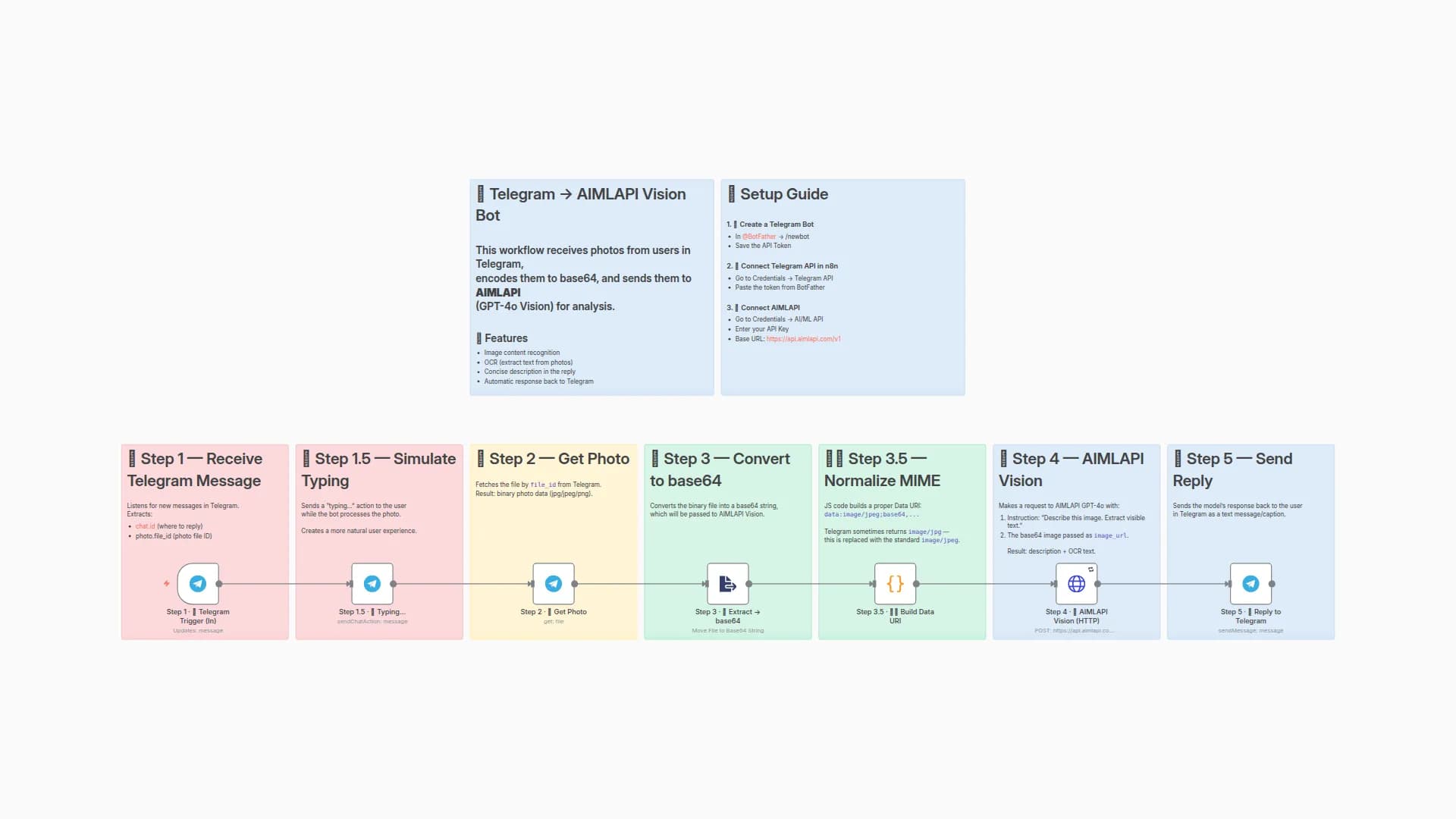
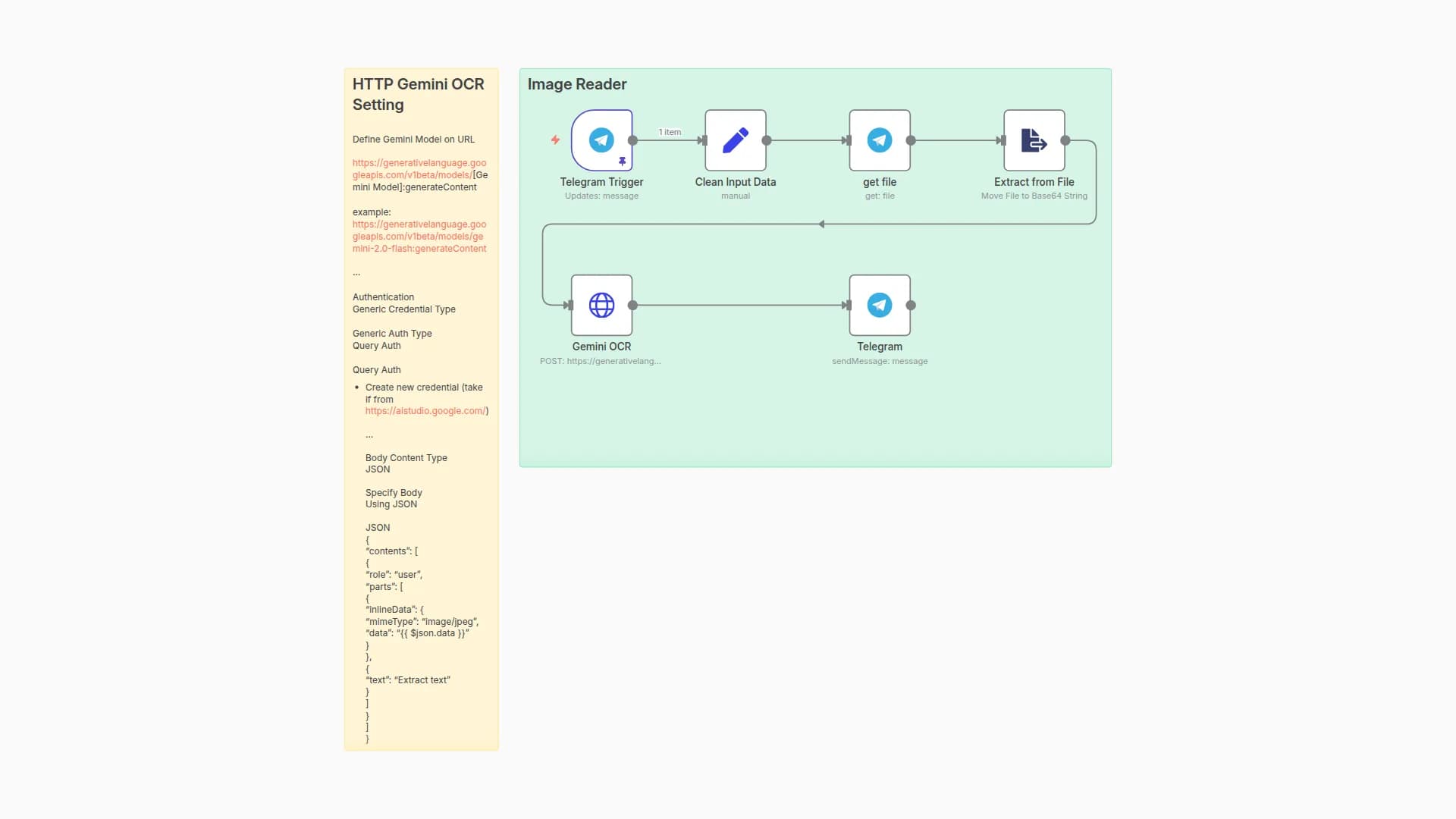
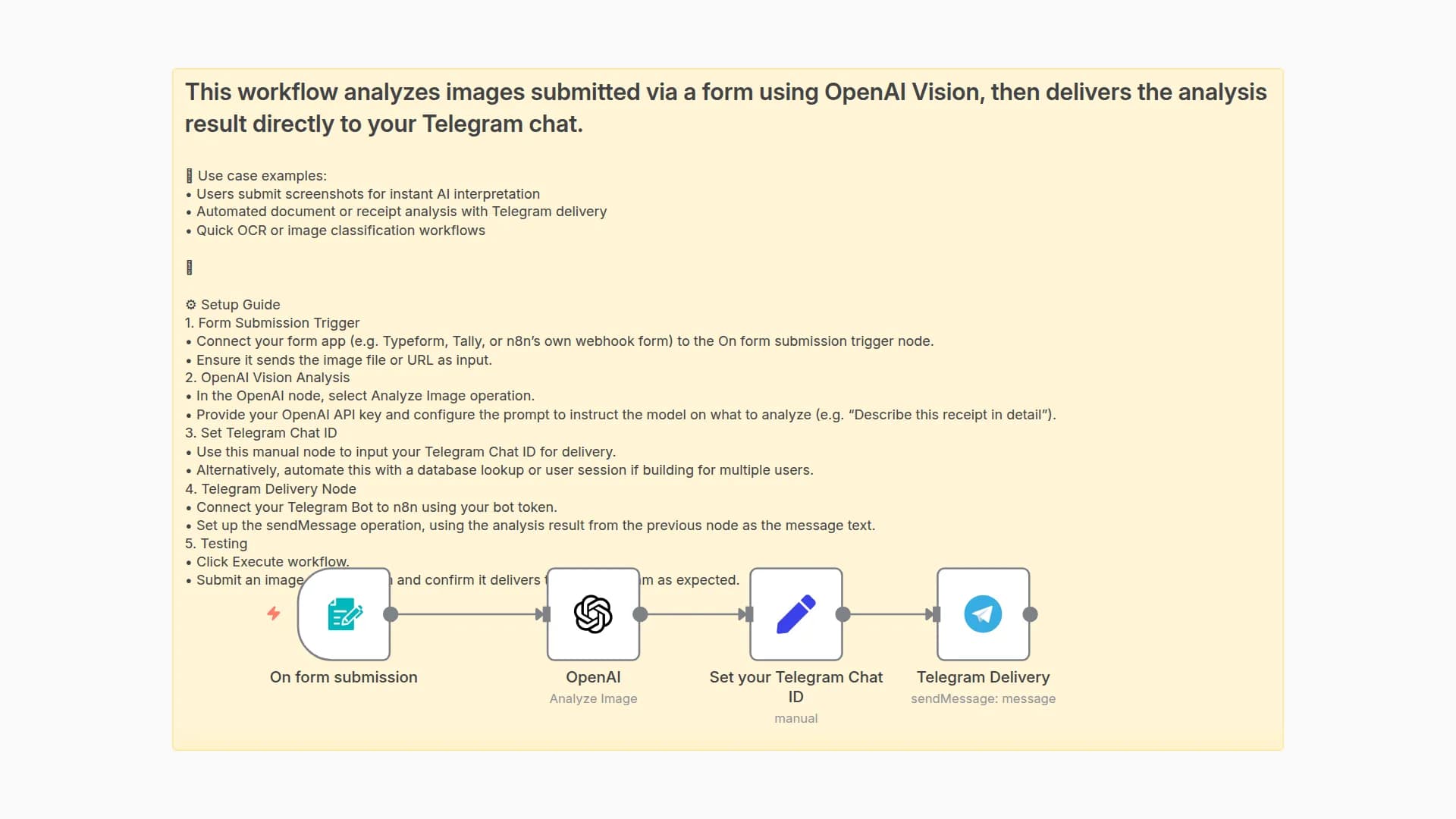
- Trigger: Telegram bot receives photo.
- Process: Convert to base64 & prepare request.
- Smart Logic: Call unli.dev Vision API for text extraction.
- Output: Send Markdown result back to Telegram.
- Optional: Save structured data to Google Sheets, Airtable, or DB.
🛠 Quick Setup
- Import workflow JSON to your n8n instance.
- Add credentials: Telegram bot + unli.dev API key.
- Customize the system prompt (default: extract the transaction in Markdown).
- Test by sending a real photo to your bot.
🧩 You’ll Need
- n8n instance
- Telegram bot token
- unli.dev Vision API key
- Optional: Google Sheets / Airtable for storage
Made by: Khaisa Studio
Category: Image Analysis
Contact: Get in touch
You may also like
New to n8n?
Need help building new n8n workflows? Process automation for you or your company will save you time and money, and it's completely free!


