Parse Invoices & Documents with Gemini AI, OCR, and Google Sheets Integration


Last edited 205 days ago
Smart Document Parser for Invoices, Logs or Sensor Reports (PDF/Image to Google Sheets)
This n8n workflow automatically parses documents such as invoices, sensor logs or structured PDFs/images (including scanned docs or CSVs), extracts key fields like totals, dates and customer/vendor info using OCR and AI, and writes the structured output into Google Sheets.
Who’s it for
- Finance or Ops teams automating invoice processing.
- SaaS platforms parsing uploaded reports or documents.
- Anyone needing a no-code backend for PDF/image/CSV document parsing.
- AI-powered data capture pipelines.
How it works
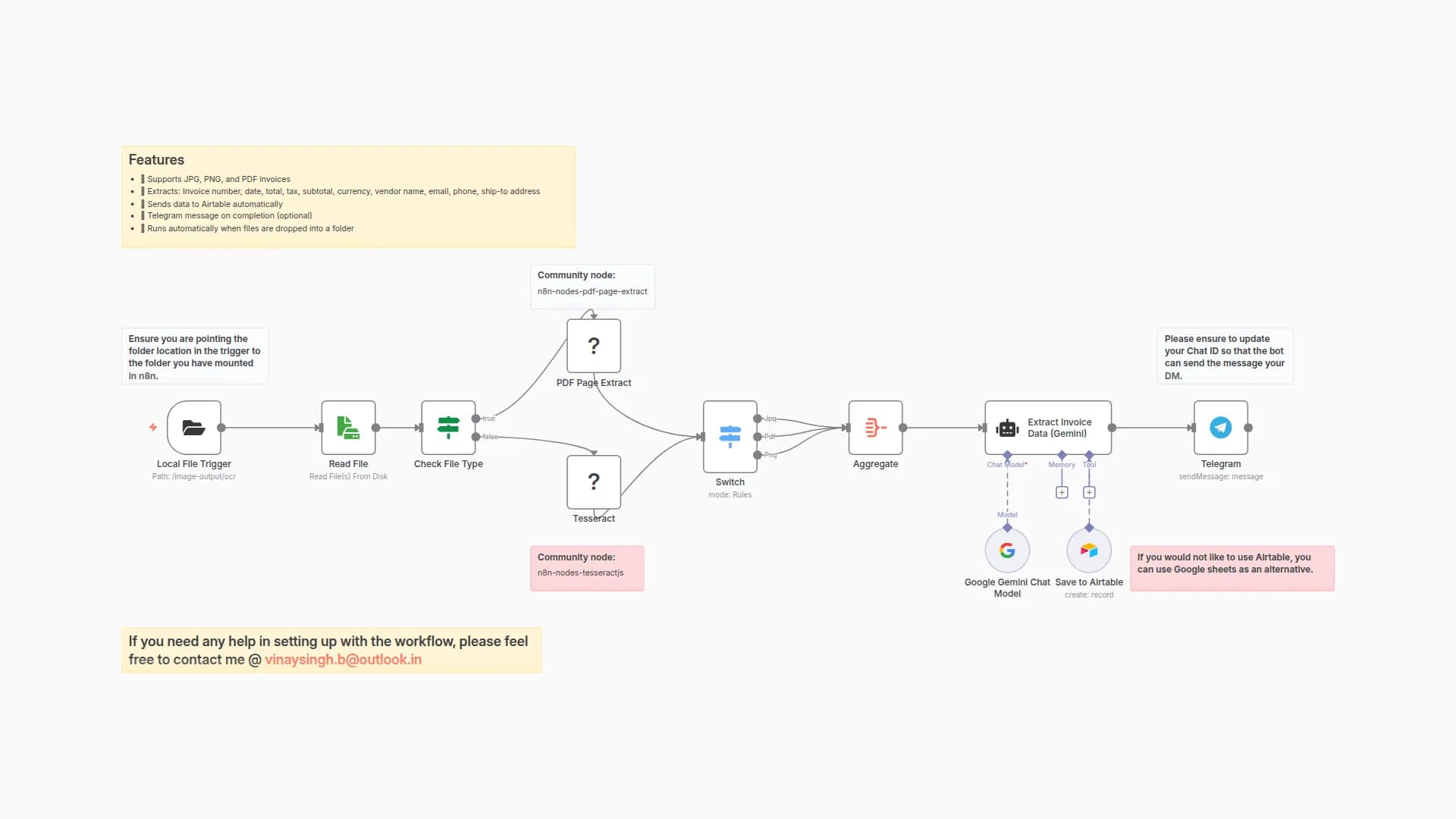
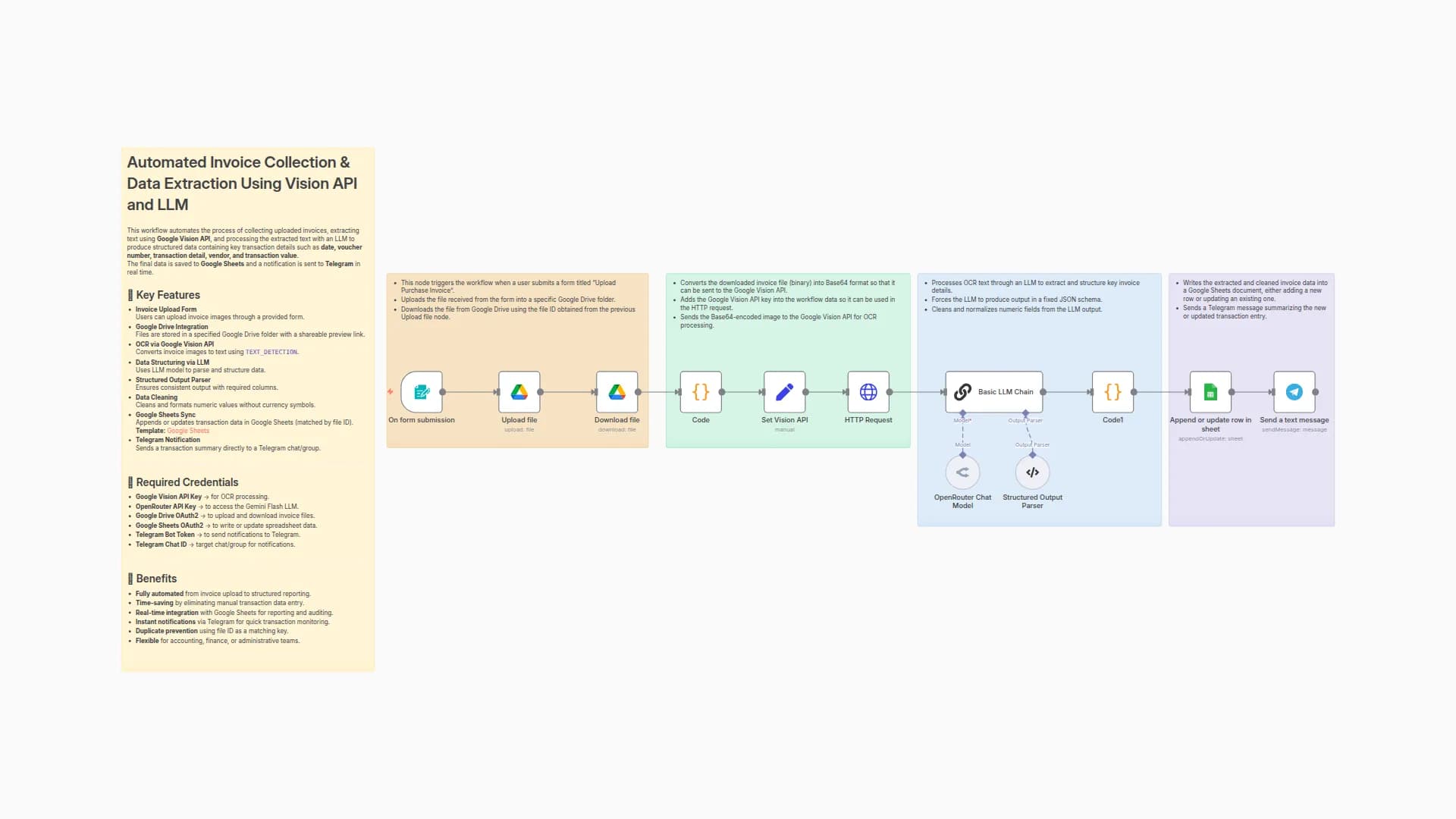
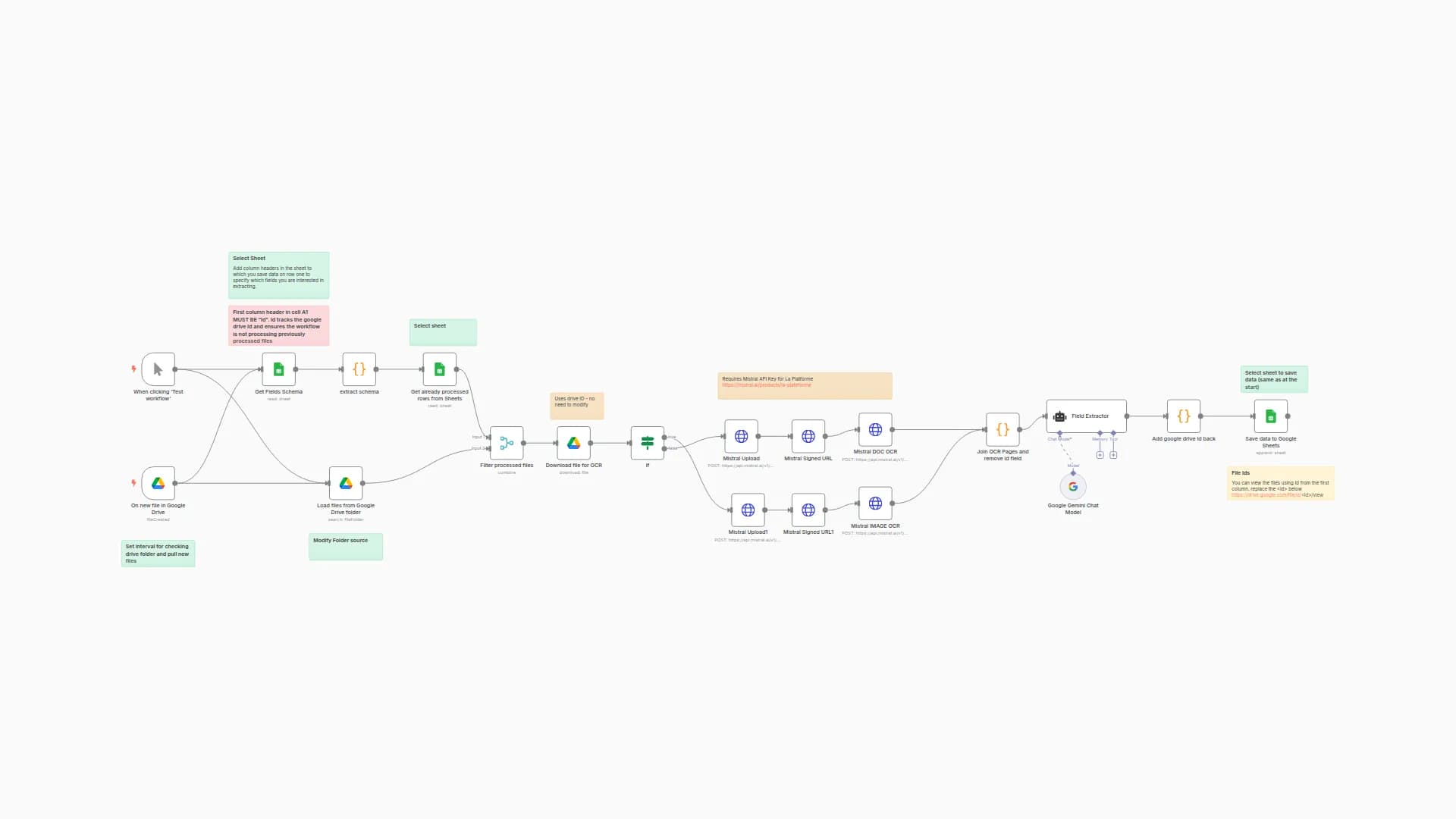
- Webhook Trigger receives file uploads (
/uploadDoc) - Switch Node checks the file type:
- If image → Use Tesseract OCR
- If PDF → Use PDF parser
- If CSV → Extract as-is
- Extracted text is passed to:
- Google Gemini or Gemini Flash AI model
- Prompt extracts fields like
invoice_id,total,customer_name, etc.
- JSON string is parsed and cleaned
- Data is appended to Google Sheets using
appendOrUpdate
How to set up
- Create a Google Sheet with columns like:
invoice_id, invoice_date, due_date, customer_name, vendor_name, subtotal, tax_total, total, currency
- Connect:
- Google Sheets OAuth
- Google Gemini (PaLM API key) for LLM parsing
- Deploy the webhook endpoint:
/uploadDoc - Upload sample files (PDFs, images, CSVs) to test
- Review and map sheet columns in the
Invoice Datanode
Requirements
Tool
Purpose
n8n
Automation framework
Google Sheets
To store structured output
Tesseract OCR
For scanned image text extraction
Google Gemini
For natural language parsing
How to customize
- Add extraction for line items using structured prompts.
- Change prompt to extract sensor readings, log types, or custom keys.
- Add support for other file types (e.g., XLSX, DOCX).
- Add Slack/Email notifications on success/failure.
- Swap Gemini with OpenAI or Hugging Face if preferred.
Add‑ons
- Save uploaded files to Google Drive or S3
- Add auth for secure uploads
- Use charting/dashboard nodes to visualize extracted data
- Integrate with billing/accounting software
Use Case Examples
Scenario
What Happens
Invoice Upload (PDF)
Extracts totals, customer, tax data into a Google Sheet
Scanned Receipt (Image)
OCR + LLM extracts structured data
Log File (CSV)
Parses and logs entries into Sheets
Common troubleshooting
Issue
Possible Cause
Solution
Webhook not triggered
URL or method mismatch
Use correct POST URL /uploadDoc
Text is blank
OCR failed
Check image quality or Tesseract config
Gemini model not returning JSON
Prompt formatting issue
Ensure prompt ends with valid JSON schema
Sheet not updated
Invalid Sheet ID or tab
Double-check sheet credentials and tab name
Need Help?
- Need help fine-tuning the Gemini prompt for better field accuracy?
- Want to extract full tables, multi-page invoices or convert PDFs to JSON lines?
Our automation team at WeblineIndia can help you extend this into a full-blown document automation pipeline.
You may also like
New to n8n?
Need help building new n8n workflows? Process automation for you or your company will save you time and money, and it's completely free!


