Voice-to-Text AI Assistant with Voicenotes, Claude Sonnet & Email Delivery


Last edited 206 days ago
This workflow provides a mechanism for using AI transcribed voice notes using [Voicenotes AI](Voicenotes AI) and then running them into an AI agent as prompts.
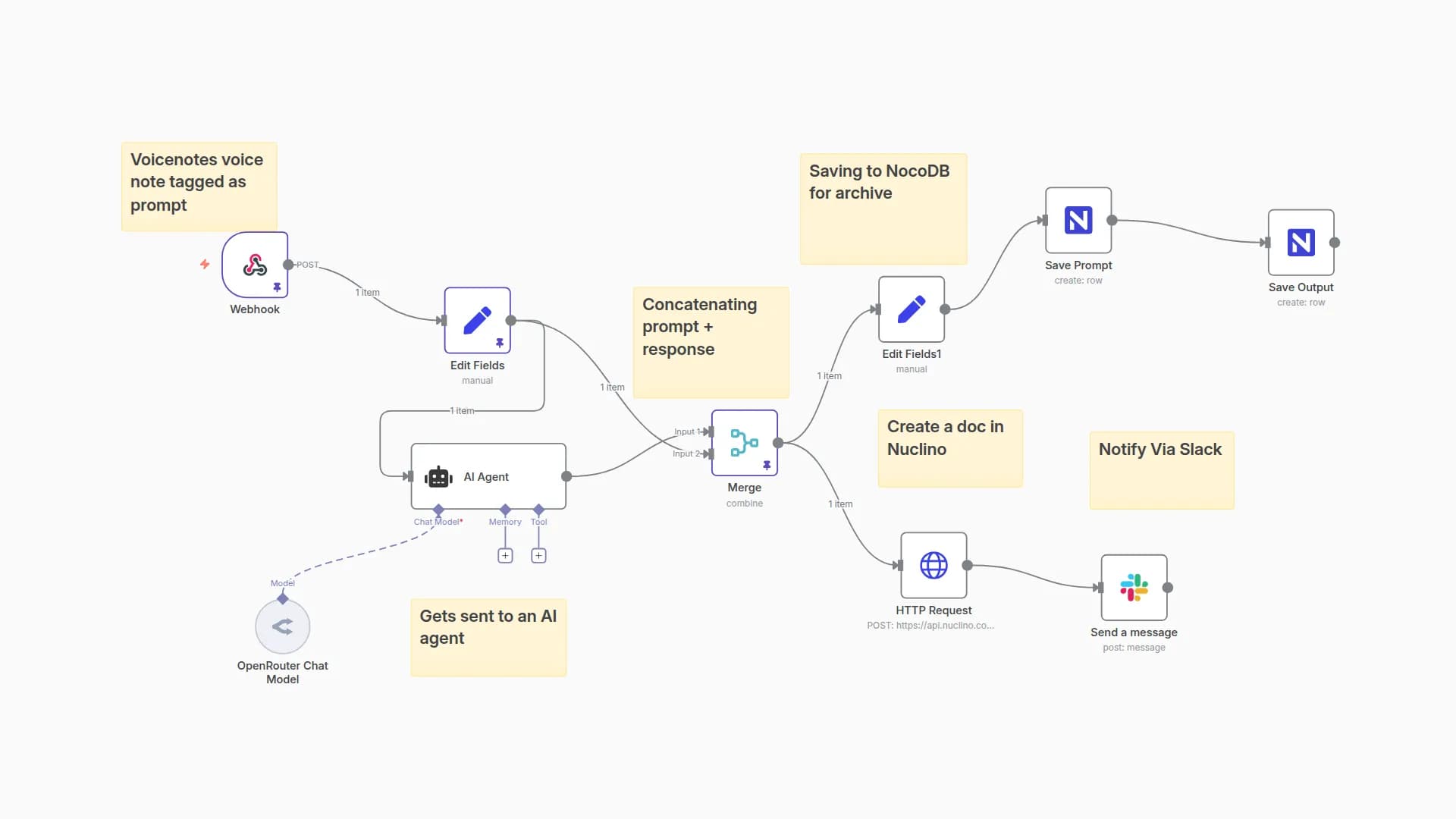
On the "collection" end of the workflow, we gather the output (with the recorded prompt) and do two things:
- It is saved into NocoDB as a new row on a database table recording AI outputs and prompts.
- The prompt gets sent to an AI agent and the output gets returned to the user's email
Who Is It For?
If you like using voice AI tools to write detailed prompts for AI, then this workflow helps to remove the points of friction in getting from A to B!
How Does It Work?
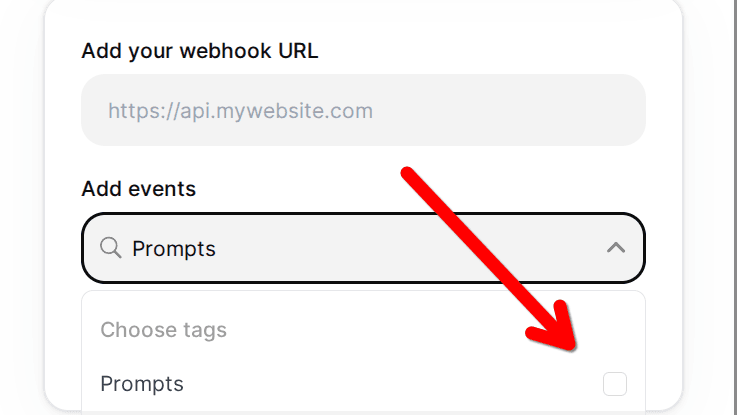
Simply tag your voice note in Voicenotes with your preferred tag (I'm using 'prompt'). Then, provide the N8N webhook as the URL for a webhook that will trigger whenever a new note is created with this tag (and this tag only). Now, whenever you wish to use a voice note as a prompt, just add the 'tag.'
This will trigger the webhook which, in turn, will trigger this workflow - sending the prompt to an AI agent of your choosing (configure within the workflow) and then saving the output into a database and returning it by email.
Note: The AI agent system prompt is written to define a structured output to provide Gmail-safe HTML. This is thin injected into a template. You can use a Google Group to gather together the output runs or just receive them at your main address (if you don't use Gmail, just swap out for any other email node or your preferred delivery channel).
How To Set It Up
You'll need a Voicenotes account in order to use the service!
Once you have one, you'll next want to create the tag and the webhook.
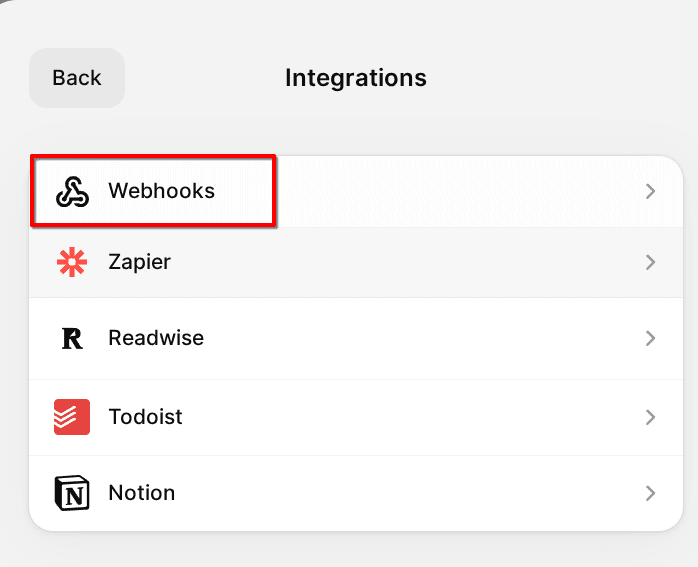
In N8N, create your webhook node and then provide that to Voicenotes:
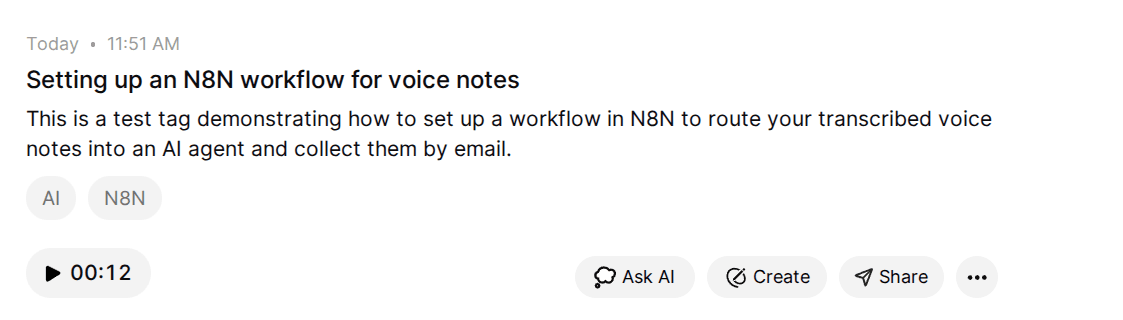
Create a note. Then assign it a new tag: "Prompts" (or as you prefer).
The webhook is matched to the tag.
Requirements
- Voicenotes AI account
Customisation
The delivery mechanism can be customized to your preferences. If you're not a Google user, substitute the template and sending mechanism for your preferred delivery provider
You could for example collect the outputs to a Slack channel or Telegram bot.
You may omit the collector in NocoDB or substitute it for another wiki or knowledge management platform such as Notion or Nuclino.
You may also like

New to n8n?
Need help building new n8n workflows? Process automation for you or your company will save you time and money, and it's completely free!


