Generate Personalized Cold Email Icebreakers with GPT-4O-mini and Google Sheets


Last edited 205 days ago
How it works
This workflow helps you supercharge your cold email campaigns by enriching leads in Google Sheets with AI-generated personalization.
For every lead in your sheet, the workflow:
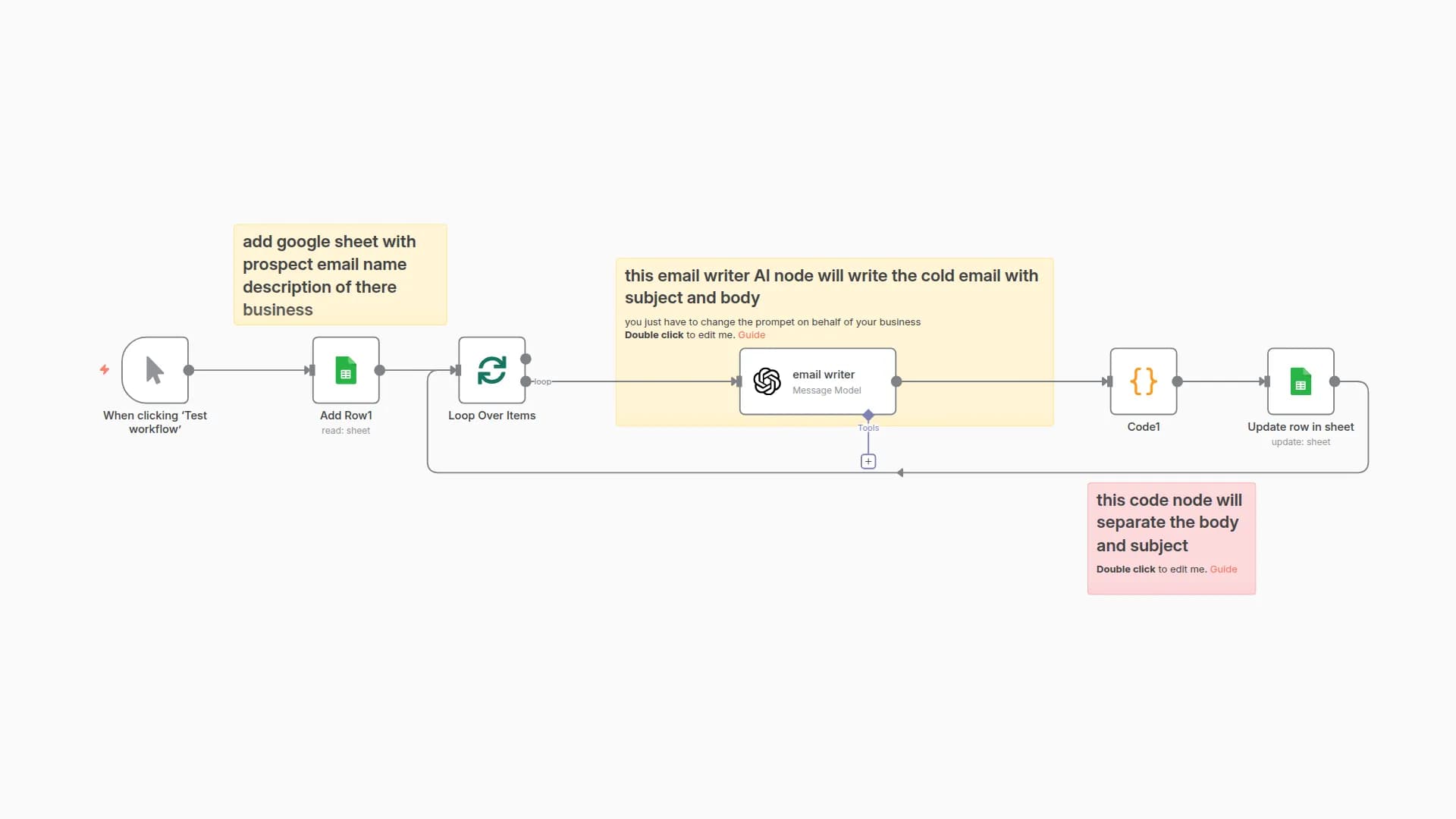
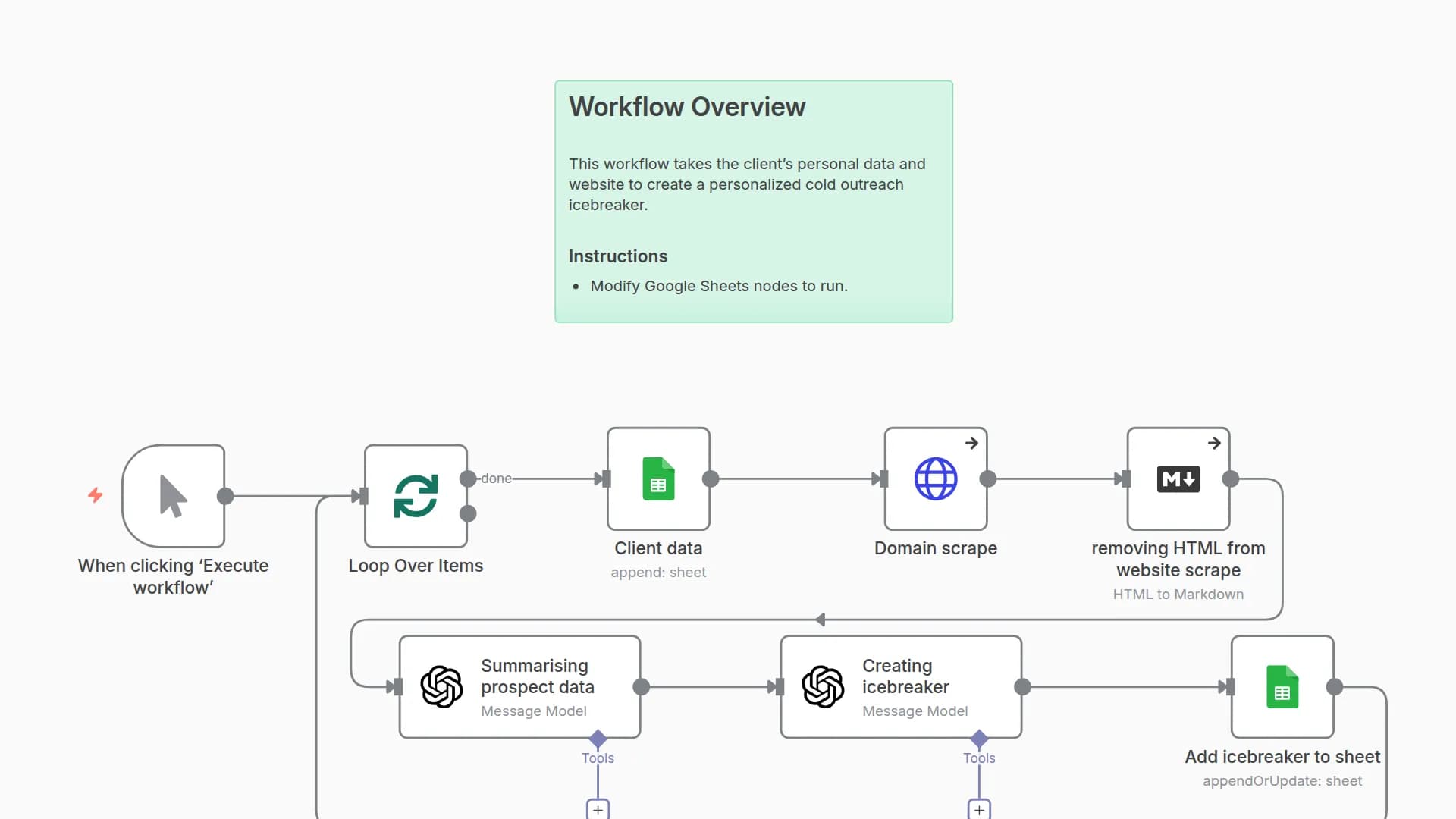
- Fetches rows from Google Sheets
- Loops through each lead one by one
- Uses OpenAI to generate:
- A personalized cold email icebreaker
- A shortened version of the company name
- Saves the results back into your Google Sheet
The result: a lead list that’s instantly ready for highly personalized cold outreach.
Setup steps
- Connect your Google Sheets account and select the sheet with your leads.
- Your sheet should have columns like: first name, last name, company name, industry, city, etc.
- Adjust the column mapping in the “Update Row in Sheet” node to match your sheet’s structure.
- Connect your OpenAI account in the “Message a Model” node.
- Optionally, tweak the AI prompt to match your preferred tone of voice for icebreakers.
- Click Execute Workflow whenever you want to enrich your sheet with new personalized content.
Requirements
- OpenAI account (API key)
- Google Sheets account with a lead list
- n8n instance (self-hosted or cloud)
You may also like

New to n8n?
Need help building new n8n workflows? Process automation for you or your company will save you time and money, and it's completely free!


